More reviewsMore visibilityMore customers.
Asking for reviews has never been this easy. Win more customers through Google reviews.

Your guests decide based on reviews.
Almost none of them leave one on Google.
People who leave happy rarely say so in public. People who leave annoyed say so immediately.
That is the gap worth closing. More reviews, more new customers.
of people in Germany name online reviews as their most important criterion when choosing a new restaurant or café!
Bitkom Research 2024 · Germany(opens in a new tab)The solution.Right there on your tables.
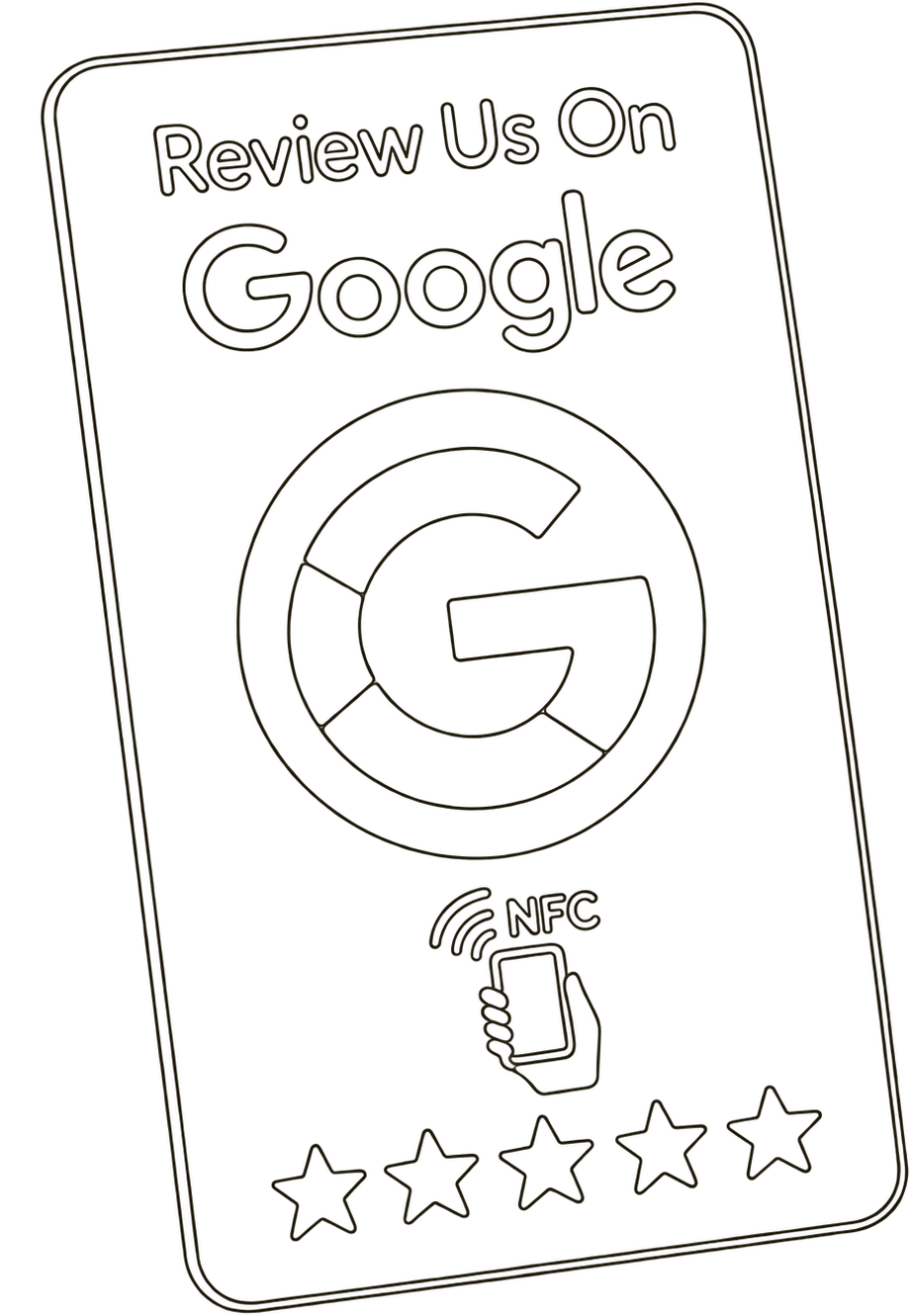
You buy a carrier once: the plastic card or the wooden stand.
That is the object your guest holds the phone against.
- Basic
Plastic card
Credit-card sized, hard-wearing and wipeable. Ideal to spread across the tables, leave on the counter or stick to the window.
- Where it goes:
- Table, counter, window
$13.99per unit, one-offFrom 5 units $11.99 each
- Premium
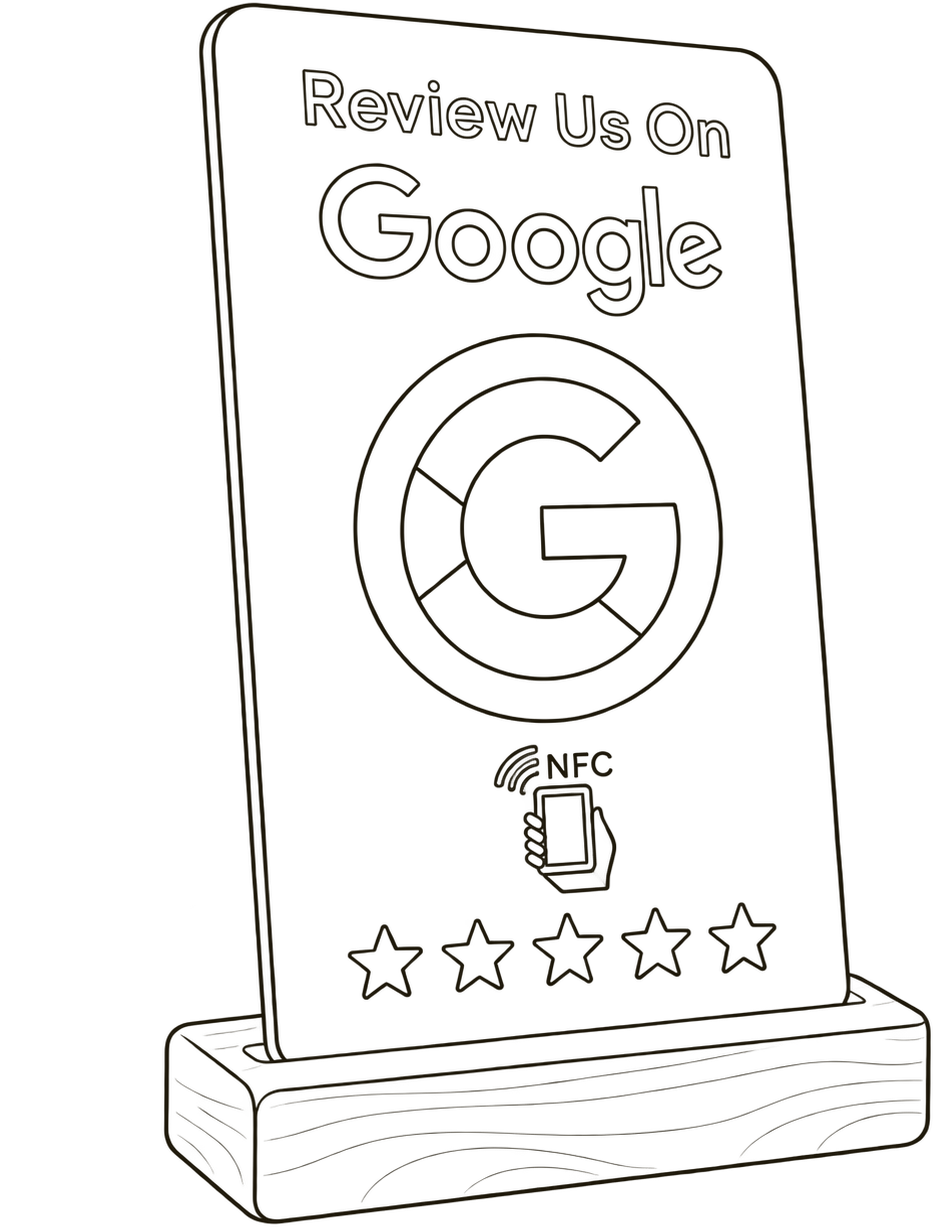
Handmade wooden stand
Elegant and one of a kind, with your logo and the wording you want. For example a note about what the feedback earns: a dessert on the house.
- Where it goes:
- Counter, reception, welcome desk
- Plus:
- Your logo, your wording, your own link page
$24.99per unit, one-offFrom 5 units $21.99 each
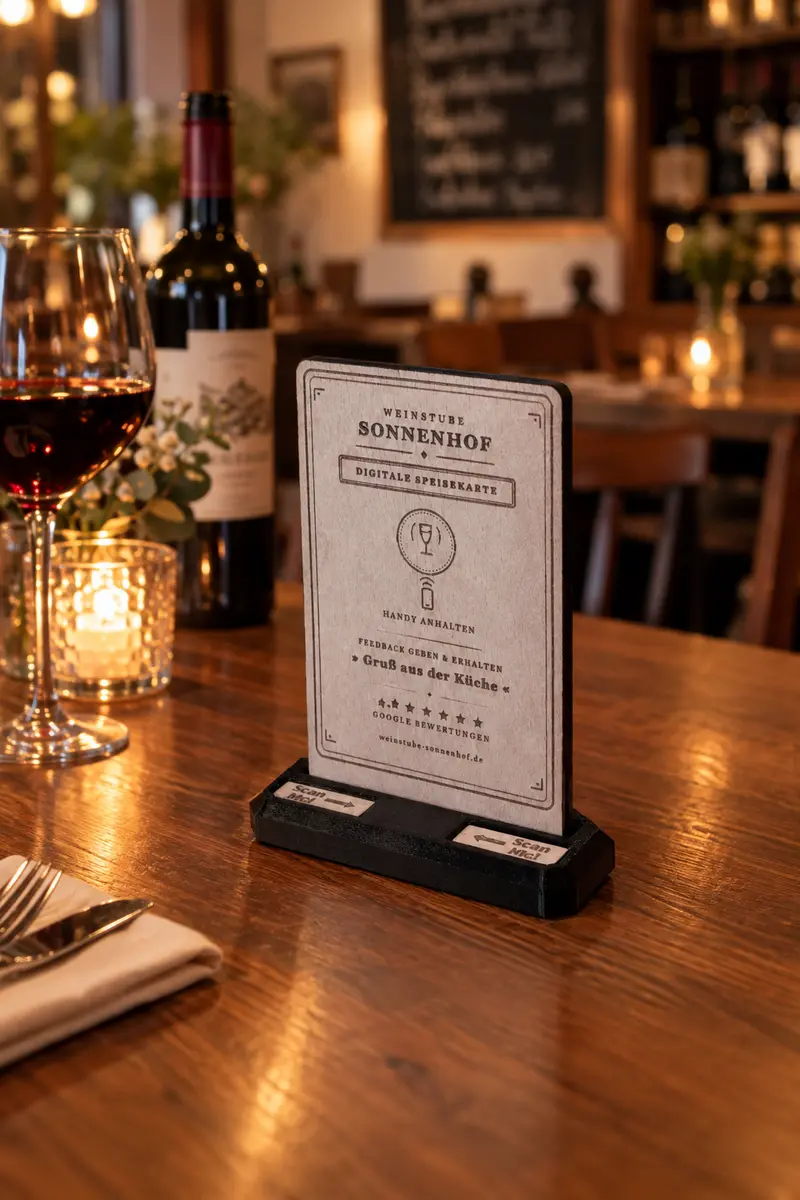
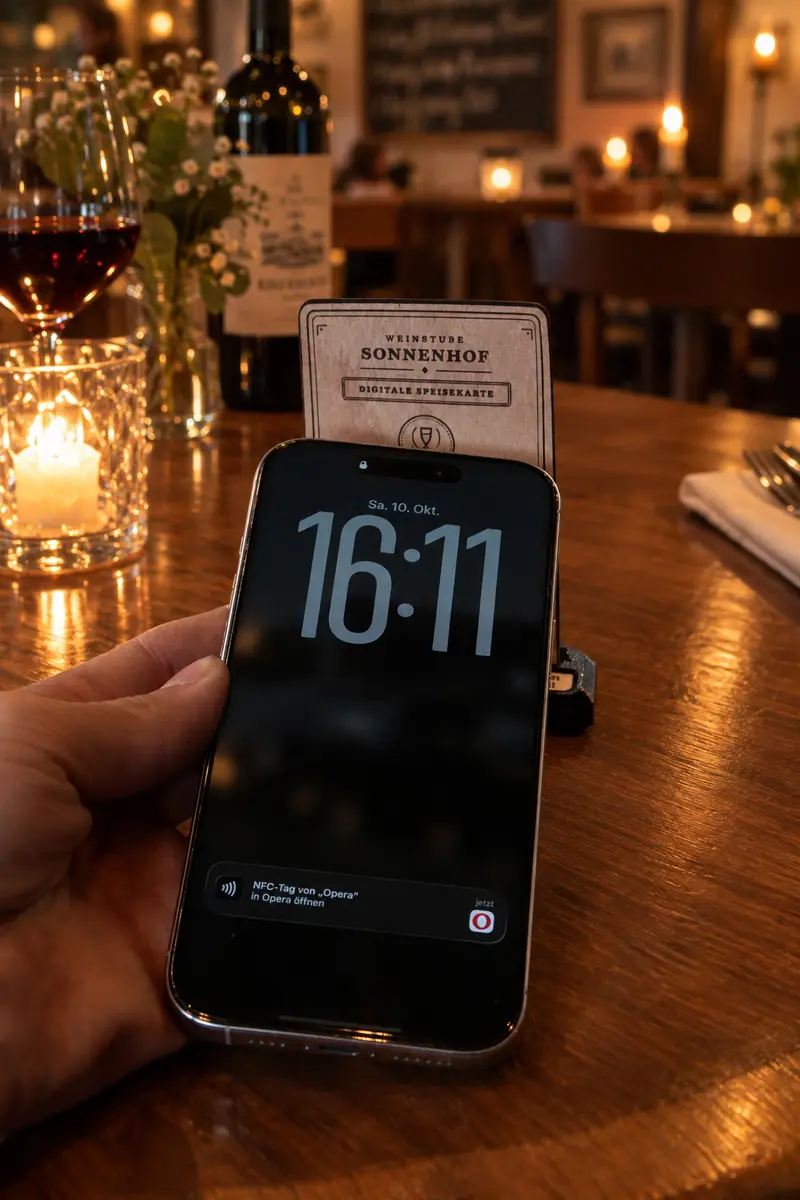
This is how it sits on the table.
The handmade wooden stand with your name, your logo and the text you choose — and the moment a guest holds their phone against it.
The system behind it
Without the system, the card and the stand are just a redirect to Google. Only with it do you get internal feedback, vouchers and a portal where everything comes together.
- BasicStart here
A single business, getting started
$44.99per month- Internal feedback, vouchers and portal
- Vouchers sent by email
- 1 admin login, up to 5 staff logins
- Support when you have questions
- Pro
A single business that wants more out of it
$78.99per monthEverything in Basic, plus:
- Vouchers also sent by WhatsApp
- Topic analysis of your feedback
- A reminder before a voucher expires
- Industry benchmark report
- Review widget for your website
- Up to 10 staff logins
- Digital menu: setup included
- Enterprise
Several locations or a chain
from $111.99per monthEverything in Pro, plus:
- Dashboard across all locations
- As many logins as you need
- Digital menu: setup and upkeep included
All plans: cancel monthly, no minimum term, first month free.
Can be added
Digital menu
Your menu sits behind the same chip. You change prices and dishes in the portal, nothing has to be printed again. On the wooden stand this looks the part; on the plastic card we do not recommend it.
$32.99one-offUpkeep optional, $11.99 per month
Your own link page
Instead of a single destination, a small overview page: review, menu, your social profiles, the table booking link. Your guest chooses. Available for the wooden stand only, from the Basic plan up.
Includedfrom the Basic plan
What your guest experiences: four steps, no app.
The whole thing takes less than a minute.
- 01
Hold the phone to the card
Hold the phone to the card, done. The review page opens by itself.
Quick & effortless
- 02
Internal feedback first
Stars and a few lines, internally on your own feedback page. This feedback stays anonymous.
Understand your guests
- 03
The direct route to Google
The public review is offered next. Voluntary, and the same for every guest.
The goal
- 04
Voucher by email
The guest taps Finish and gets a code by email, whether or not they reviewed on Google.
A small thank-you
Try it yourself
This is exactly what runs on your guest's phone after they tap, right through to the voucher. Nothing is stored here and nothing is sent.
Your feedback goes to Weinstube Sonnenhof. Provided through echtesfeedback.com.
All by the book
Google prohibits reviews published because of an incentive; such reviews can be removed. Here, the voucher is the thank-you for your internal feedback, not for the review. Anyone who writes nothing on Google gets it all the same. All we do is ask politely for a Google review.
Google review policies(opens in a new tab)What you then see in your portal.
One page where everything comes together: what guests say, which vouchers are out there and which have been redeemed. You can also issue vouchers yourself at any time.
- Katrin H.2 days ago
Very warm welcome, everything explained well.
- Marco P.5 days ago
Easy and on time. Returning it was briefly a bit awkward.
- Léa B.1 week ago
Booked on the spur of the moment, great advice at the jetty.
You see what guests really say
Internal feedback and your Google reviews in one place instead of three windows.
You issue vouchers without paper
Set up a template once and the codes go out by email automatically. You decide what they are worth and how long they last.
Your staff redeem in seconds
Type in the code, see what it is for, redeem once. There is nothing more to it.
Every voucher stays accountable
For each one the history holds status, validity, time of redemption and the account that did it.
Isn't this far too complicated?It is easier than you think.
- 01
A conversation
We look at your business together and decide where the cards go and what the voucher should be.
- 02
We set it up
We create your area. From you we need your business details, logo and color, one voucher template, and access to your Google profile — no passwords, revocable at any time.
- 03
Put the card down, done
The cards arrive pre-programmed. Put them out, try it once yourself, done.
And after that, day to day?
No mandatory meetings, no maintenance. You look at the portal whenever you feel like it. Your staff type in codes, and that is all. Questions? No problem, we are happy to answer them.
What it does, and what it deliberately does not.
Better ranking, more new customers
Google names more and positive reviews as a factor in better local ranking on Google and in Google Maps.
The shortest path to feedback
One tap in the moment after the service, instead of a sign, a slip of paper or an email asking later.
Everything in one place
Feedback, reviews, vouchers and redemptions in one portal instead of three tools.
Criticism reaches you first
The unhappy guest writes to you first. What you do with it is up to you.
Every redemption documented
For every code the status, validity, time and redeeming account are on record.
A better reputation through steady improvement
You see what is going wrong before it goes public, and you can fix it.
No vouchers for Google reviews
The voucher depends on the internal feedback. Anything else breaks Google's policies.
No filtering by mood
We do not send only the happy guests to Google. Everyone sees the same path.
FAQ
When does a guest get the voucher?
For the internal feedback. The guest reviews with you first, and is then asked to leave that on Google as well. Whether they do or not changes nothing: they get the voucher either way. That is precisely why the approach is compliant.
Does this work on every phone?
Yes. Around 90 to 95 % of today's phones have an NFC reader; it is standard on almost every phone built from 2010 onwards. The reader usually sits in the upper part of the phone: just hold it against the card and the chip is read. No app needed.
Do we need to be good with technology?
No. All you need is an internet connection. You look at the portal in a browser, and your staff redeem codes on their phones through a page of their own. No app, no installation, no training.
Can a guest collect several vouchers?
No. One voucher per guest, tied to the email address. Someone who reviews a second time still helps you with their feedback, but does not get a second code. That keeps the offer fair and predictable.
What happens if a code is redeemed twice?
The second attempt is refused. Your staff see immediately that the code has already been used, and when. There is no argument at the table.
Do more Google reviews move you up?
Google names relevance, distance and prominence as factors, and writes that more and positive reviews can contribute to better local ranking.
Half an hour on the live system. Free.
We show you the portal, a voucher template and a redemption on a test account.